Tactical Resource
The ARC Intel interactive map is the most comprehensive loot-tracking tool available for ARC Raiders. Search any item, visualise every known spawn location across all maps and floors, and drill down into the exact containers and media that confirm each find.
01
Open the search panel and type any item name — weapons, attachments, crafting materials, medical supplies, and more. Results update in real time as you type.
02
Click an item in the search results to add it to your active filter list. You can stack multiple items at once to plan multi-target looting routes in a single run.
03
Every confirmed spawn zone for your filtered items lights up on the map. Area indicators show the general region, while precise pins mark the exact container clusters.
04
Click any pin or area indicator to open a detail panel. Each entry includes a photo or video of the container in context — no more guessing which cabinet you're looking for.
05
Many ARC Raiders locations span multiple levels. Use the floor controls in the map navbar to toggle between ground, mid, and upper floors without losing your current filter.
06
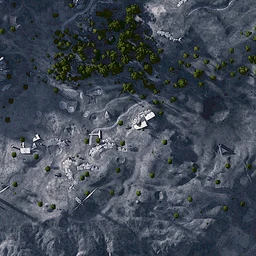
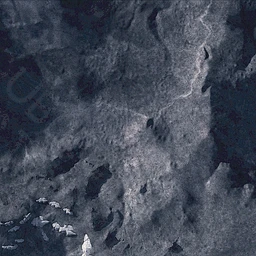
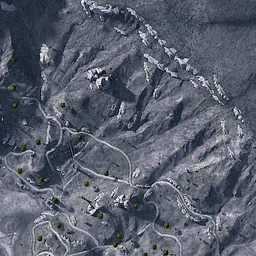
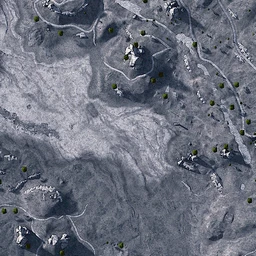
ARC Raiders features several distinct deployment zones. Swap between them using the map selector — your item filter carries across so you can compare spawn density between zones instantly.
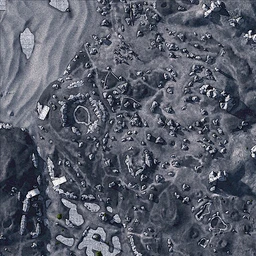
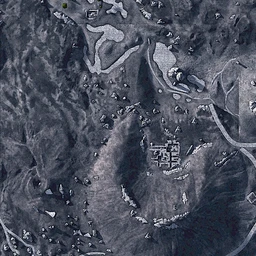
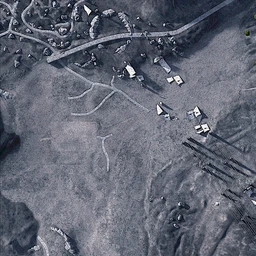
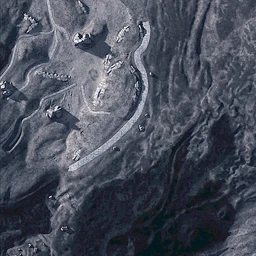
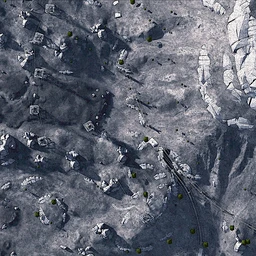
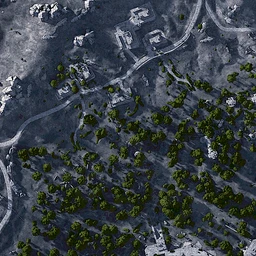
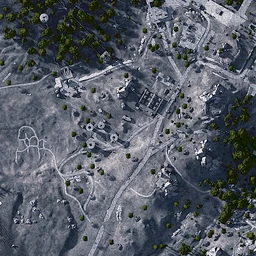
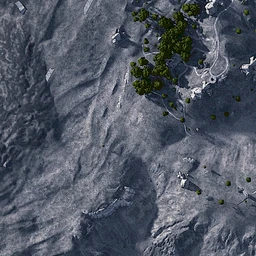
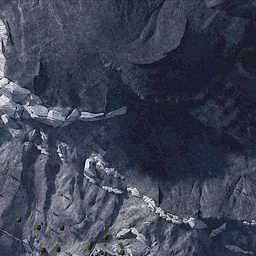
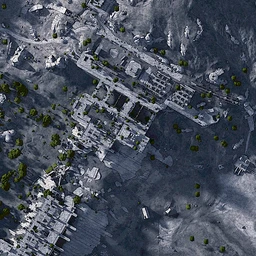
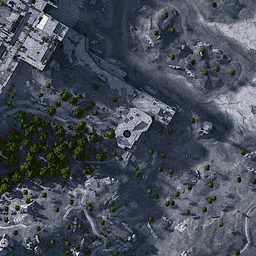
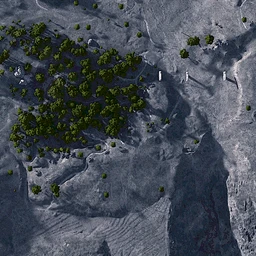
ARC Intel currently covers all deployment zones available in ARC Raiders, including multi-floor support for the most complex environments. Each map is rendered from high-resolution source assets and updated whenever the game receives a patch that affects layout or loot placement.
Spawn data is community-verified and cross-referenced against patch notes. When a major update ships, outdated pins are flagged so you always know what data is confirmed for the current season.
If you discover a container location that isn't on the map yet, consider submitting it through the Contact page. Community contributions are reviewed and added to the database regularly.